
How to Block FAB Debit Card (2026 Guide) Instant Methods & Steps
If your debit card is lost, stolen, or you notice suspicious activity, you should block it immediately. This guide explains how to block an FAB debit card using all available methods—mobile app, online banking, phone support, and ATM—so you can secure your account quickly and avoid unauthorized transactions.
Method 1: Block FAB Debit Card via Mobile App
This is the fastest and most recommended method.
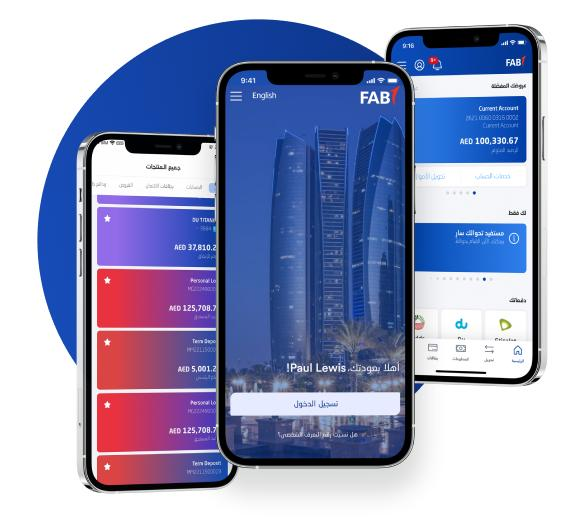
Steps to block FAB debit card via mobile app:
- Open the FAB Mobile Banking App
- Log in securely
- Go to Cards Section
- Select your debit card
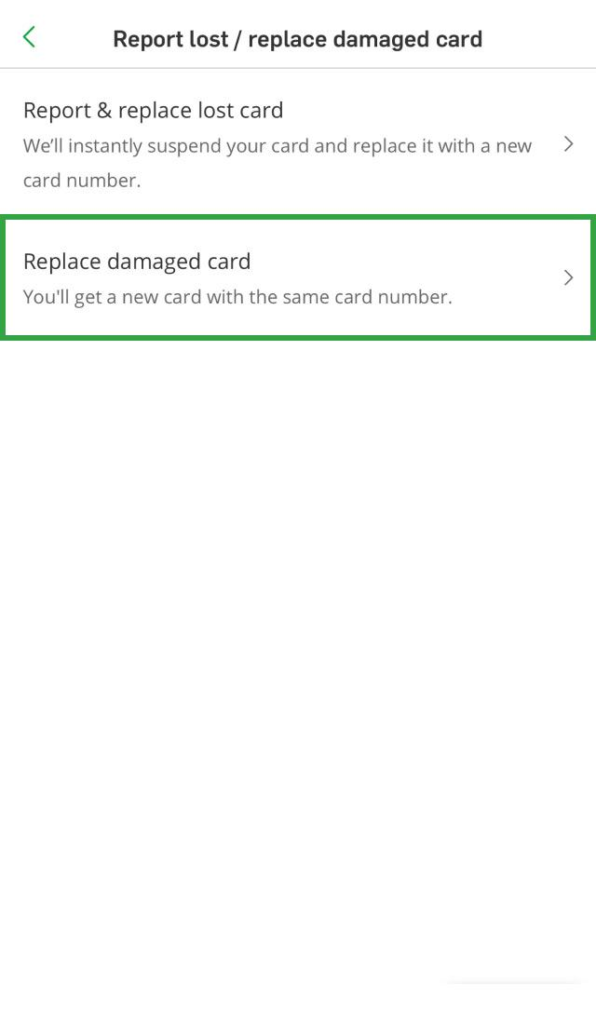
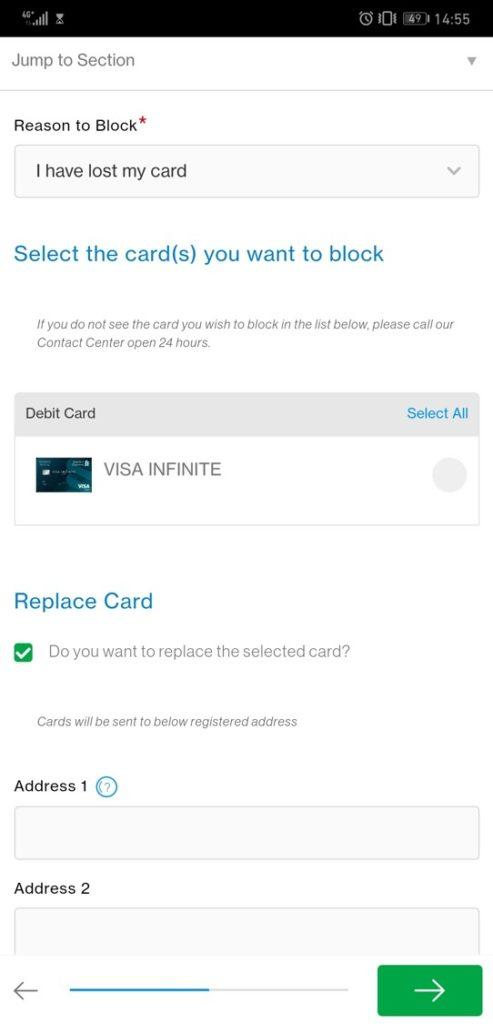
- Tap on “Block” or “Report Lost/Stolen”
- Confirm your request
Your card will be blocked instantly.
Method 2: Block FAB Debit Card Online
You can also block your card using FAB online banking.


Steps:
- Visit the official FAB online banking website
- Log in to your account
- Navigate to Cards Management
- Select your debit card
- Click on Block Card
- Confirm the action
Method 3: Block FAB Debit Card via Customer Care
If you cannot access online services, call FAB support.
Steps:
- Dial FAB customer care number
- Verify your identity
- Request card blocking
- Confirm the request
This method works 24/7 and is useful in emergencies.
Method 4: Block FAB Debit Card via ATM
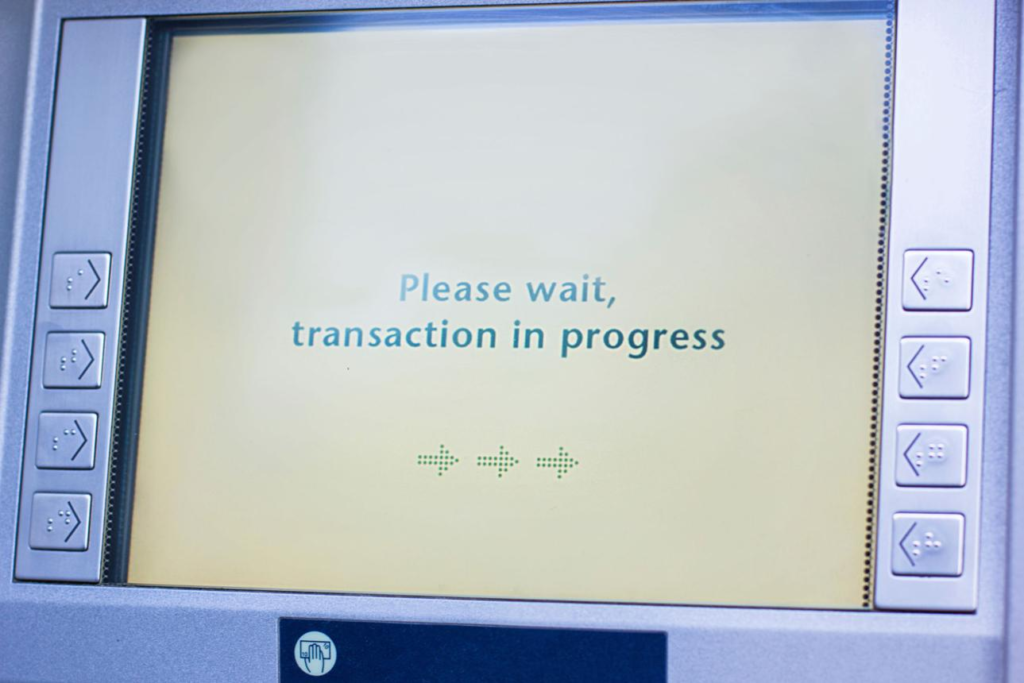
Some FAB ATMs allow you to block your card.
Steps:
- Visit nearest FAB ATM
- Insert card or choose services
- Select Card Services
- Choose Block Card
- Confirm
What Happens After Blocking Your Card?
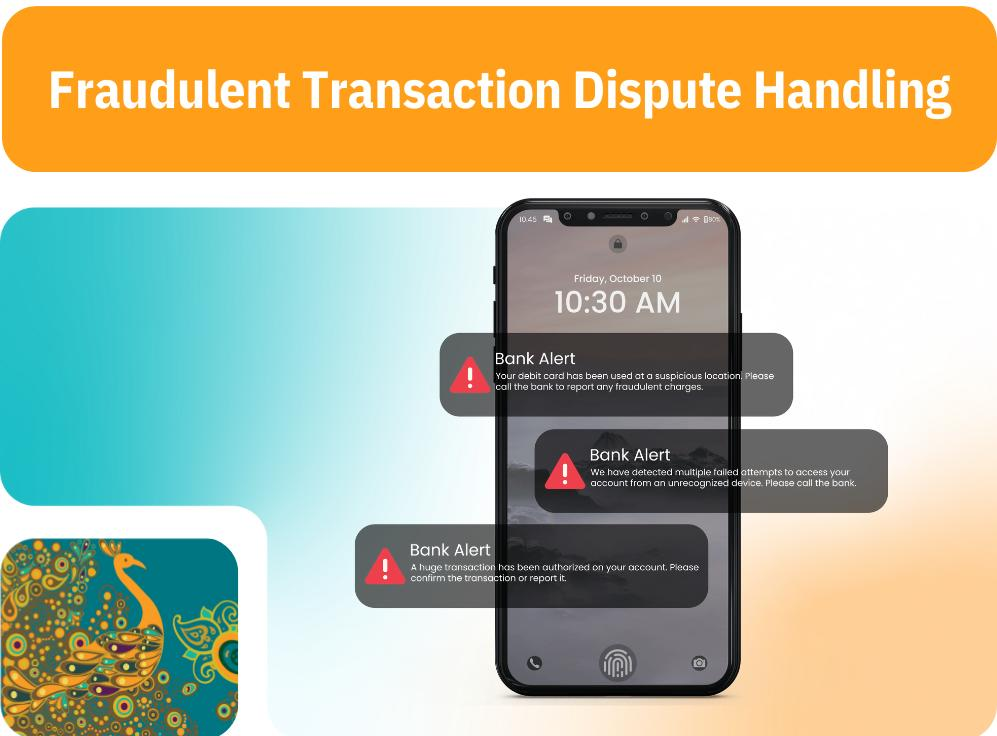
Once blocked:
- Your card cannot be used for transactions
- Online payments will stop
- ATM withdrawals will be disabled
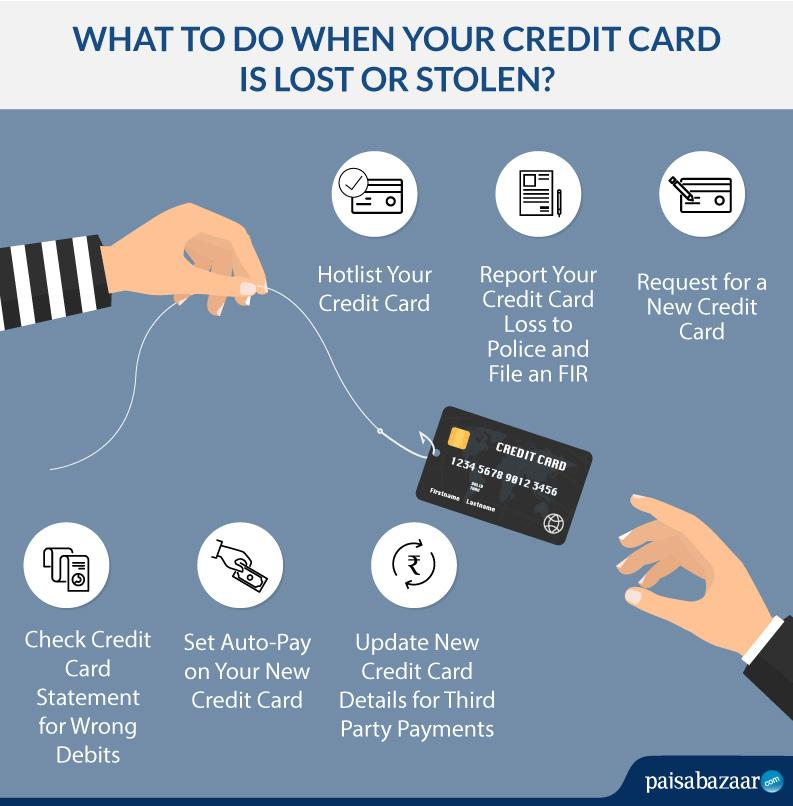
- You may request a replacement card
How to Request a New FAB Debit Card
After blocking, you can order a new card:
- Through FAB app
- Via online banking
- By calling customer support
- Visiting a branch
When Should You Block Your FAB Debit Card?
Blocking your card instantly prevents misuse and protects your funds. You should block your card right away if:
- Your card is lost or stolen
- You see unknown transactions
- Your card details are compromised
- Your card is damaged or not working properly
Safety Tips to Protect Your Debit Card
- Never share your PIN or OTP
- Avoid saving card details on unknown websites
- Enable transaction alerts
- Regularly monitor your account using FAB balance check
- Use secure banking apps only
FAQs – FAB Debit Card Blocking
Final Thoughts
Knowing how to block your FAB debit card quickly can save you from financial loss. Whether you use the mobile app, website, or customer care, always act immediately if your card is compromised.
For better account security, regularly monitor your transactions and use tools like FAB balance check to stay updated on your account activity.
